
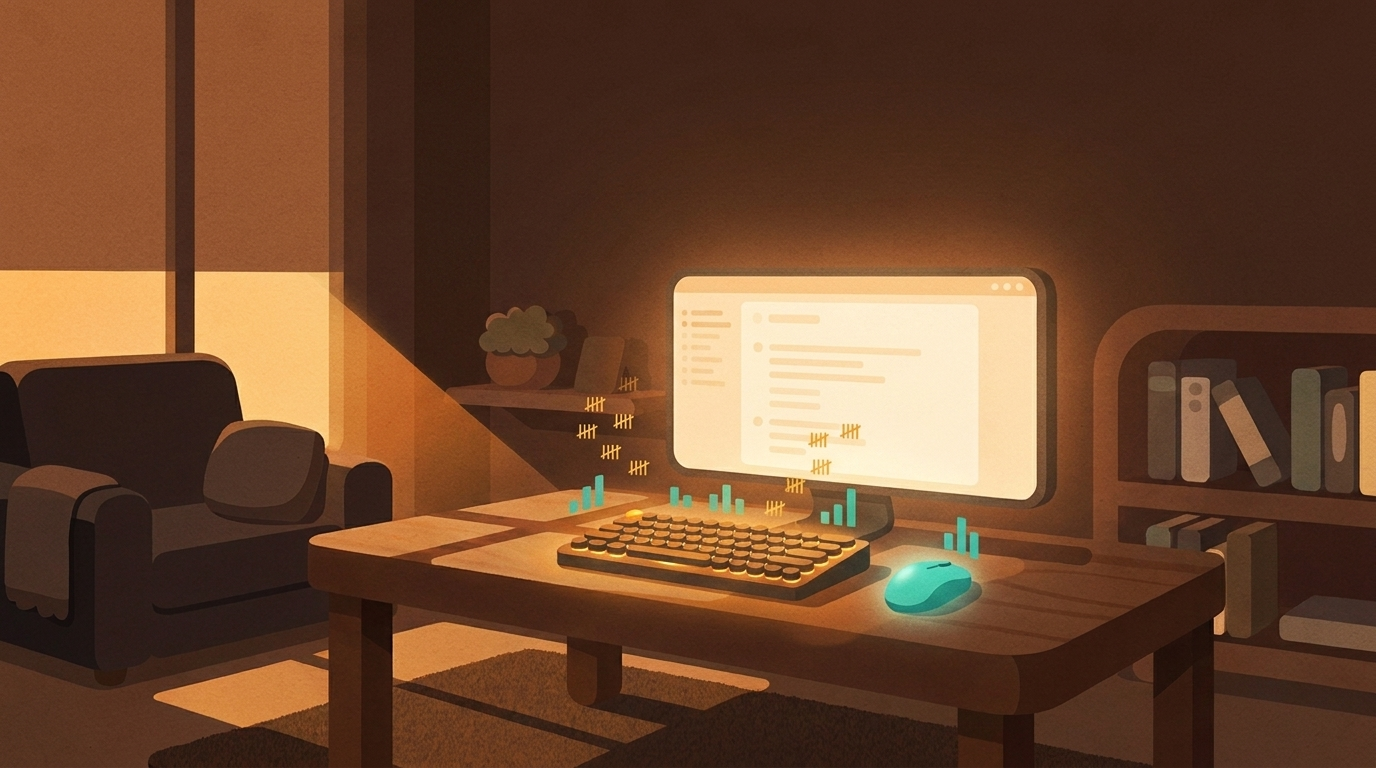
Your fingers work hard. Count it.
Clickety sits in your menu bar and tallies every key press and click, all day, privately.
That was you, reading one page. Clickety keeps this score for your whole day, every day.
Counts, not keys

Only counters go up
Clickety adds one per key press and one per click. Which keys you press is never read, logged, or stored.

Everything stays on your Mac
Daily totals live in one small local file. No account, no cloud, not even a network connection.

Honest numbers
Holding a key down counts once. Auto-repeat never inflates your score.

Your day, on a card
One click renders a share-ready poster of today: keys, clicks, and your week. Copy it, save it, send it.
Start counting today
macOS 14 or later · free · a 4 MB download
First open: macOS warns about apps from outside the App Store. Right-click Clickety.app and choose Open, then confirm. If there is no Open option, allow it in System Settings, Privacy & Security, Open Anyway.
After that, first launch walks you through the one permission it needs.